

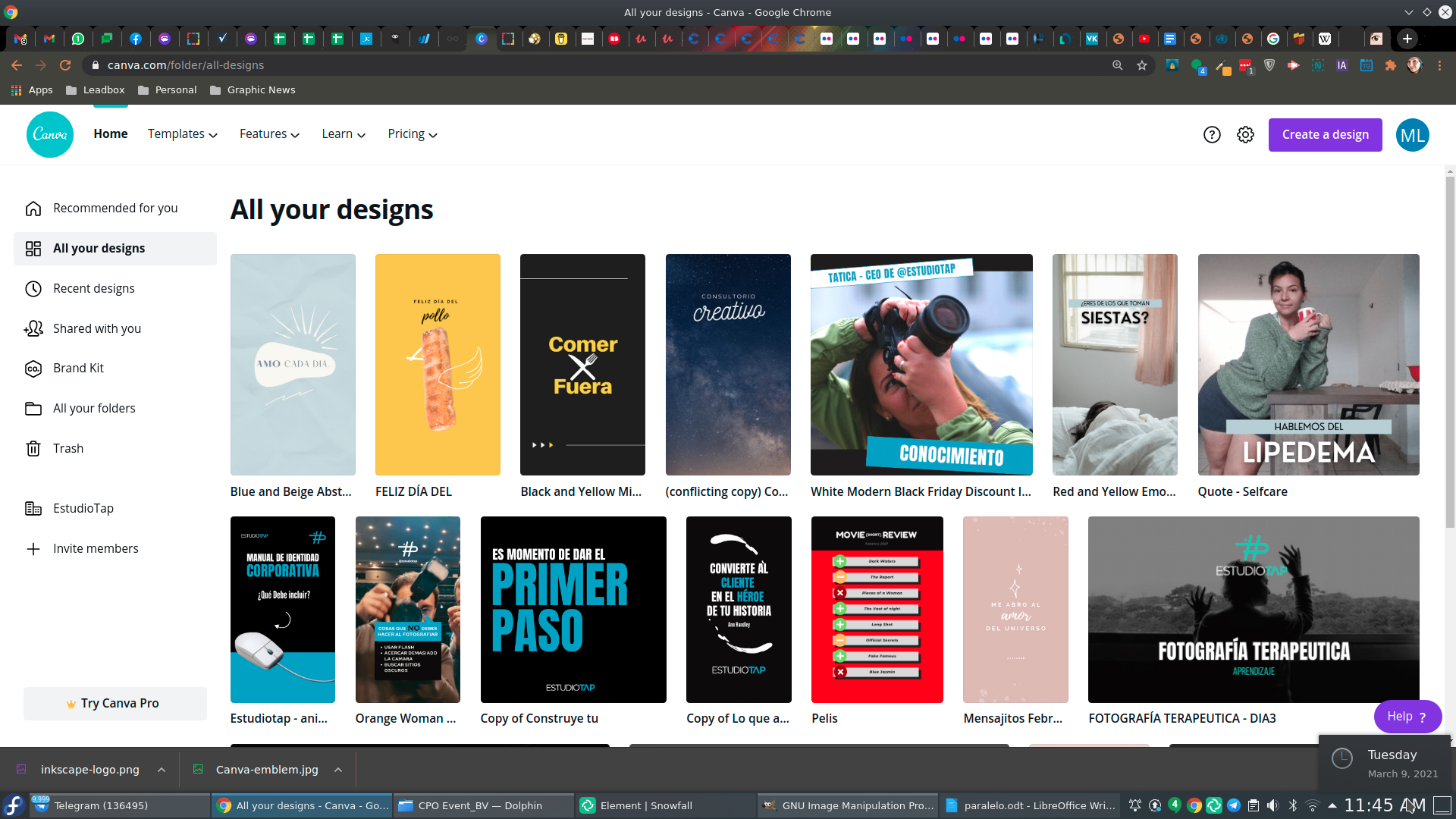
I’ve been trying Canva since a few months ago, and truth is, it has blown my mind. HEY, I still LOVE inkscape, but when I started giving workshops to people who wanted to improve their social networks, reality was that my students were not experts on design, and tools like this became my allies.
I’ve always supported Freeware, since those are simply apps that have a free version along their paid features. Best from Canva is that their free version doesn’t expire, which is definitely a highlight. And that’s why today I want to tel you some of the pros and cons that I found along the way.
NOTE: This is a comparison made between Inkscape (in case you’re an Illustrator user the comparison would fit just fine) and Canva’s free version.Pro
- Absolute control over vectors, both in shape and color.
- Absolute control on gradients.
- Wider design freedom.
- Export to any available format.
- No need for an internet connection to design.
- Editable vector that works on any design app.
Cons
- Final original vector files are larger, so take longer to share (specially when you embed a bitmap)
- If you want a template, you have to download it.
- If you want to add some graphics, same, you have to download them>
Pro
- Real time contribution.
- Graphics and Photos gallery included (quite enough even at the free version)
- Pre-built Templates to save time (both static and animated)
- Graphics available at your computer and phone. (only online)
Cons
- Terrible gradient management.
- Only png downloads available (free)
- Can’t add fonts (free)
- Can’t edit shapes, and several times, can’t edit colors either.
- No internet, no Canva.
Which one is the best? It will depend on the purpose you need. Truth is that the high content demand that comes from social media and the insane grow of creators, has lead to this kind of graphic assistant to become into a necessity.
Both apps have their pros and cons, and at the end, which one to use will only depend on the expertise of the designer, and the future uses for the graphic you want to create.
and you, what’s your opinion on both apps?
So this comments are no longer about the article but a critic on how my site is built. Thank you! :/
And you also deliberately break any non-Latin characters, it seems.
> i did it on purpose due the constant uppercase yelling, which makes me uncomfortable.
?he end result is that the comments are grammatically incorrect (lowercase “i” is not a word in ?nglish), hard to read because sentence initial capitalization is not working, etc. ? consider it unacceptable to mangle user comments that way.
Gracias por pasar y dejar un comentario! Como le coloqué al ladito, si todo es vector, es una belleza, pero cuando toca agregar bitmaps a tus .svg… bueno… ahi la cosa en tamaño se complica :)
Your point is based on the assumption that people “have” to choose, when that’s not the point on my post. Is like if you wanted to assume that everyone “must” code to properly use an app. Not everyone is handy with design, but truth is, we live in a world where content is created on social media everyday, and a lot of people with a high creative mind, but lack of design expertise, are creating awesome things with tools like this.
Besides, if you read well, this is focus on content creation for social media. For the pro’s, as I also stated there, Inkscape will always be the right choice.
I did it on purpose due the constant uppercase yelling, which makes me uncomfortable.
PS: Why the heck does the comment form lowercase everything I write? It makes it look as if I were unable to properly write the English language! Please fix this!
> and you, what’s your opinion on both apps?
So, on one hand, we have an application that is Free (as in Speech) Software, where the same version is both free of charge (free as in beer) and fully functional (not either-or), which works without an Internet connection, which can be easily installed from distribution repositories, but where you can also opt to run an older version or make custom modifications if the upstream or distro version does not satisfy your needs, whereas on the other hand, we have an application that is web-hosted crippleware which you cannot use without an Internet connection, where you have to pay for full functionality, which you cannot modify, which allows the server owners to access personal data, probably even view everything you draw in it, and which can be unilaterally upgraded to a possibly worse version, discontinued, made commercial-only, made more expensive, etc. without you being able to do anything about it. IMHO, the choice is easily made!
See also:
https://www.gnu.org/philosophy/who-does-that-server-really-serve.html.en
> I’ve always supported Freeware, since those are simply apps that have a free version along their paid features.
The proper term for this is “crippleware”. And I do not see how this is something one wants to support, considering that the freeware (“free” as in beer) version is crippled.
But even real freeware (software that is free as in beer and fully functional) is not as nice as software that is actually Free as in Speech and not just a blob you don’t have to pay for, but cannot modify.
> Best from Canva is that their free version doesn’t expire, which is definitely a highlight.
Given that this is a hosted service, you cannot actually know. They can expire it at any moment with no warning!
Interesante, en definitiva no es para mi, yo necesito control absoluto de los vectores, pero igual es bueno saber que esa opción existe. No estoy de acuerdo en un punto, la primer desventaja de inkscape… los archivos finales del mismo no me parecen pesados, incluso los he usado asi tal cual en mis diseños web, ya que me han pesado mucho menos en .svg que en mapa de bits… por lo demás, súper… saludos :D